How to Make DnB: Drum & Bass Production Guide for Ableton Live

Founder & CEO, Futureproof Music School
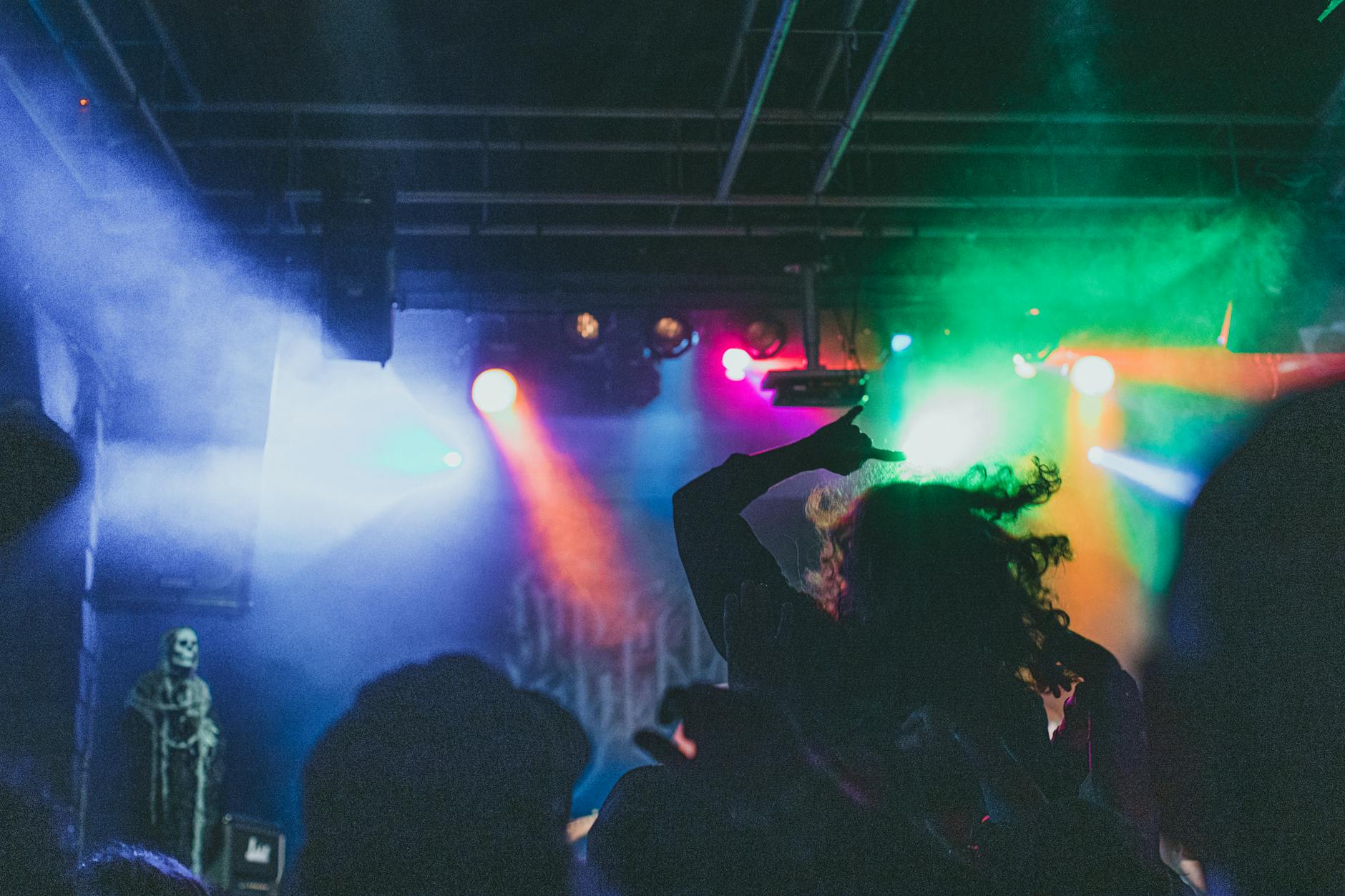
Drum and Bass (DnB) is a fast-tempo electronic music genre, typically between 160 and 180 BPM, defined by its breakbeat drums, deep sub-bass, and futuristic atmosphere. It emerged from UK jungle and rave culture in the early 1990s and now spans subgenres from Liquid to Neurofunk.
Drum and Bass is one of the most technically demanding and rhythmically exciting genres in electronic music. Its breakneck tempos, complex rhythms, and powerful basslines have made it a staple of club culture and a constant source of innovation in electronic music production. If you want to learn how to make Drum and Bass in Ableton Live, you've come to the right place.
This guide covers everything from setting up your project and creating those iconic breakbeat rhythms to crafting the massive basslines that define the genre. Whether you're completely new to DnB or looking to sharpen your production skills, this walkthrough gives you the foundation you need.
Setting Up Your Ableton Project for DnB
To set up an Ableton project for DnB, set your tempo to 170 BPM (the modern sweet spot, with a valid range of 160-180 BPM) and time signature to 4/4.
Genre Specs at a Glance
| Attribute | Detail |
|---|---|
| BPM range | 160-180 (mainstream), 85-90 (half-time feel) |
| Time signature | 4/4 |
| Common keys | F minor, A minor, E minor, G minor |
| Signature elements | Chopped amen break, Reese bass, fast subs, two-step drum pattern |
| Sub-genres | Liquid, neurofunk, jungle, jump-up, minimal, halftime |
The first step in making Drum and Bass is configuring your project correctly. DnB runs fast. Set your tempo between 160-180 BPM, with 170 BPM being the sweet spot for most modern styles. This high tempo is what gives DnB its urgent, relentless energy.
In Ableton, open a new project and set the BPM in the top left corner of the arrangement or session view. Make sure your time signature is 4/4, which is standard for the genre.
Consider your workflow before diving in. Many DnB producers work in Session View for building and experimenting with individual elements, then switch to Arrangement View to structure their full track. Both approaches work. Pick whichever feels more natural to you.
Programming the Amen Break and DnB Drums
DnB drums are built on a chopped breakbeat pattern: kick on beat 1, snare on beat 2, second kick around the "and" of beat 2, and another snare on beat 3, layered with intricate 16th and 32nd-note hi-hats.
The heartbeat of Drum and Bass is its drums. The genre evolved directly from jungle music, which itself was built on chopped and rearranged breakbeats, most famously the Amen break from The Winstons' "Amen, Brother".
You don't need to use the actual Amen sample (though you can find royalty-free versions). What matters is understanding the rhythm. The classic DnB drum pattern features a kick on beat 1, a snare or clap on beat 2, a second kick around the "and" of beat 2 or early beat 3, and a snare on beat 3. Hi-hats and ride patterns fill in the gaps with intricate 16th and 32nd-note subdivisions.
In Ableton, load Drum Rack with your chosen samples. Start with a basic pattern, then use Ghost Notes (very low velocity hits) to add texture and swing. The shuffle and syncopation in DnB drums is what makes them feel alive rather than robotic.
Once you have a basic pattern, use Ableton's Clip envelopes to automate parameter changes within your drum loop. You can also use the Groove Pool to apply swing to your patterns. Try the "MPC 16 Swing 62%" or similar groove templates to get that organic feel.
Creating the Reese Bass
A Reese bass is made by detuning two sawtooth oscillators by 3-7 cents, then shaping them with a low-pass filter, distortion, and slow filter modulation to get that signature dark, warbling growl.
If drums are the skeleton of DnB, the bass is its muscle. The Reese bass (named after Kevin Saunderson's alias, Reese) is a cornerstone sound: a dark, growling, distorted bassline that sits deep in the low end and gives DnB its menacing power.
To create a Reese bass in Ableton, use a synthesizer like Operator, Analog, or a third-party synth like Serum. The classic approach uses two detuned sawtooth waves, one slightly higher in pitch than the other, creating that characteristic beating or warbling effect.
In Operator: Set oscillator A to a sawtooth wave. Set oscillator B to a sawtooth wave, detuned by +3-7 cents (or use the Fine Tune parameter). Mix both oscillators together. Apply a low-pass filter with moderate resonance and a filter envelope that slowly opens up over time. Add some chorus or slight flanger to thicken the detuning effect.
The key to a great Reese is movement. Automate the filter cutoff, the detune amount, or add LFO modulation to give it life. A static Reese sounds flat; a moving one sounds alive.
Designing Neuro and Modern DnB Basslines
Neurofunk basslines layer a distorted, filter-modulated wavetable bass over a clean sine sub, while Liquid DnB uses smoother, melodic bass tones with subtle vibrato for warmth.
Modern DnB has expanded far beyond the Reese. Neurofunk brought highly processed, technical bass sounds that incorporate noise, distortion, and complex modulation. Liquid DnB favors smoother, more melodic bass tones. Jump Up leans toward punchy, mid-heavy sub bass.
For Neurofunk-style bass design in Ableton, start with a simple waveform in Wavetable or Serum. Run it through heavy distortion (try Ableton's Saturator or Overdrive). Add Ableton's Filter effect after the distortion, then use Macro controls or automation to sweep the filter during your track. Layer it with a clean sub bass sine wave (kept separate and clean) for the low-frequency foundation.
For Liquid DnB bass, focus on smooth, musical tones. Use a sine or slightly warm bass preset. Automate the pitch to follow your chord progression. Apply subtle vibrato or slight detuning for warmth without aggression.
Building Your Sub Bass Layer
Sub bass in DnB is a clean sine wave centered at 40-80Hz, tuned to the root of your key, with nothing above 150Hz so it doesn't clash with your mid-range bass layers.
In any DnB style, the sub bass is critical. This is the deep, below-200Hz frequency content that you feel more than hear. It needs to be clean, powerful, and precisely tuned to your key.
Create a dedicated MIDI track with a simple sine wave or sub bass preset (Operator's sine oscillator works perfectly). Write a bassline that complements your melodic and harmonic content. Keep it simple. Sub bass lines in DnB are often just root notes or simple 2-3 note movements, letting the rhythm and upper harmonics carry the complexity.
Use Ableton's Spectrum analyzer to check your sub bass frequencies. You want energy centered around 40-80Hz without excessive buildup above 150Hz, which would clash with your mid-range bass sounds.
Arranging Your DnB Track
A standard DnB arrangement is intro, buildup, first drop, breakdown, second drop, outro, running 5-8 minutes for club mixes or 3-4 minutes for streaming releases.
DnB tracks typically follow a clear structure: intro, buildup, drop, breakdown, second drop, outro. The drop is where your full drum pattern and bassline hit together, creating maximum impact.
In Ableton's Arrangement View, build your track section by section. Use automation to bring elements in and out, create filter sweeps before your drops, and build tension through your breakdowns. Silence or stripping back elements before a drop is a powerful technique in DnB.
DnB tracks are usually 5-8 minutes for club versions. If you're making a more compact version, 3-4 minutes works for online distribution. Whatever length you choose, make every section earn its place.
Essential Tools and Plugins
| Tool / Plugin | Use case |
|---|---|
| Ableton Live (Simpler + Warping) | Break chopping and time-stretching |
| Serum / Massive X | Reese bass design and neurofunk growls |
| Sausage Fattener / Trash 2 | Neuro bass distortion and sound design |
| FabFilter Pro-Q 3 / Pro-C 2 | Clean bass and drum mixing |
| Valhalla Room / Supermassive | Liquid-DnB reverb tails |
| Kilohearts Phase Plant | Modular neuro bass and riser design |
Mixing and Mastering DnB
Mix DnB with tight gain staging, high-pass everything except kick and bass, sidechain sub and mid bass to the kick, and master to -6 to -4 LUFS for club-ready loudness.
DnB requires careful mixing because of its extreme dynamic range. The quiet breakdowns need to feel intimate; the drops need to hit like a wall.
Start by setting your gain staging correctly. No element should be clipping before hitting your master channel. Use a Utility device on each track to precisely control volume levels.
For EQ, cut unnecessary low frequencies from non-bass elements. Your drums, leads, and pads don't need to compete with your sub. Use Ableton's EQ Eight to high-pass everything except your kick and bass.
Sidechain compression is essential in DnB. Sidechain your sub bass and mid-range bass to your kick drum so they duck slightly every time the kick hits. This prevents frequency masking and keeps your mix punchy and clean.
For mastering, DnB is typically loud and compressed. Aim for -6 to -4 LUFS integrated loudness for a club-ready master. Use a multi-band compressor followed by a limiter to achieve this without excessive distortion.
Learning From the Masters
The fastest way to improve DnB production is to reverse-engineer tracks by Noisia, Goldie, LTJ Bukem, Pendulum, and Shy FX, studying their arrangement, bass-drum interaction, and use of space.
The best way to improve your DnB production is to study the music you love. Take apart tracks by artists like Noisia, Goldie, LTJ Bukem, Pendulum, or Shy FX. Notice how they structure their arrangements, how their basslines interact with their drums, and how they use space and silence.
DnB has dozens of sub-genres, each with its own conventions and innovations. Exploring different styles will give you a richer vocabulary as a producer. The next evolution of DnB could come from you.
So, load up your DAW, grab those classic breaks (or program your own!), sculpt that Reese or Neuro bass, and let the rhythms roll.
If you want to go deeper with hands-on feedback from working producers, Futureproof Music School runs a 14-day free trial with live workshops, a full course library, and Kadence, our 24/7 AI music coach. It's the fastest way to take these DnB fundamentals and turn them into finished tracks.
John von Seggern
Founder & CEO, Futureproof Music School
John von Seggern is the founder and CEO of Futureproof Music School. He holds an MA in digital ethnomusicology (the anthropology of music on the internet) from UC Riverside, and a BA in Music, magna cum laude, from Carleton College. A techno producer and DJ since the late 1990s, he released as John von on his own net.label Xeriscape Records while working at Native Instruments, where he co-authored the MASSIVE synth manual. He contributed sound design to Pixar's WALL-E (2008), was a member of Jon Hassell's late-career Studio Group on Hassell's final two albums, ran Icon Collective's online program with Max Pote for eight years before Icon closed in May 2025, and authored three books on music technology including Laptop Music Power!. He architected Kadence, the AI music coach at the core of Futureproof.
Want more Futureproof in your Google results?
Ready to level up your production?
Join Futureproof for live mentorship, AI coaching, and a community of producers.
Start your 14-day free trial