How to Make Phonk: The Complete Guide to Digital Grit

Marketing Director & Bass Music Mentor
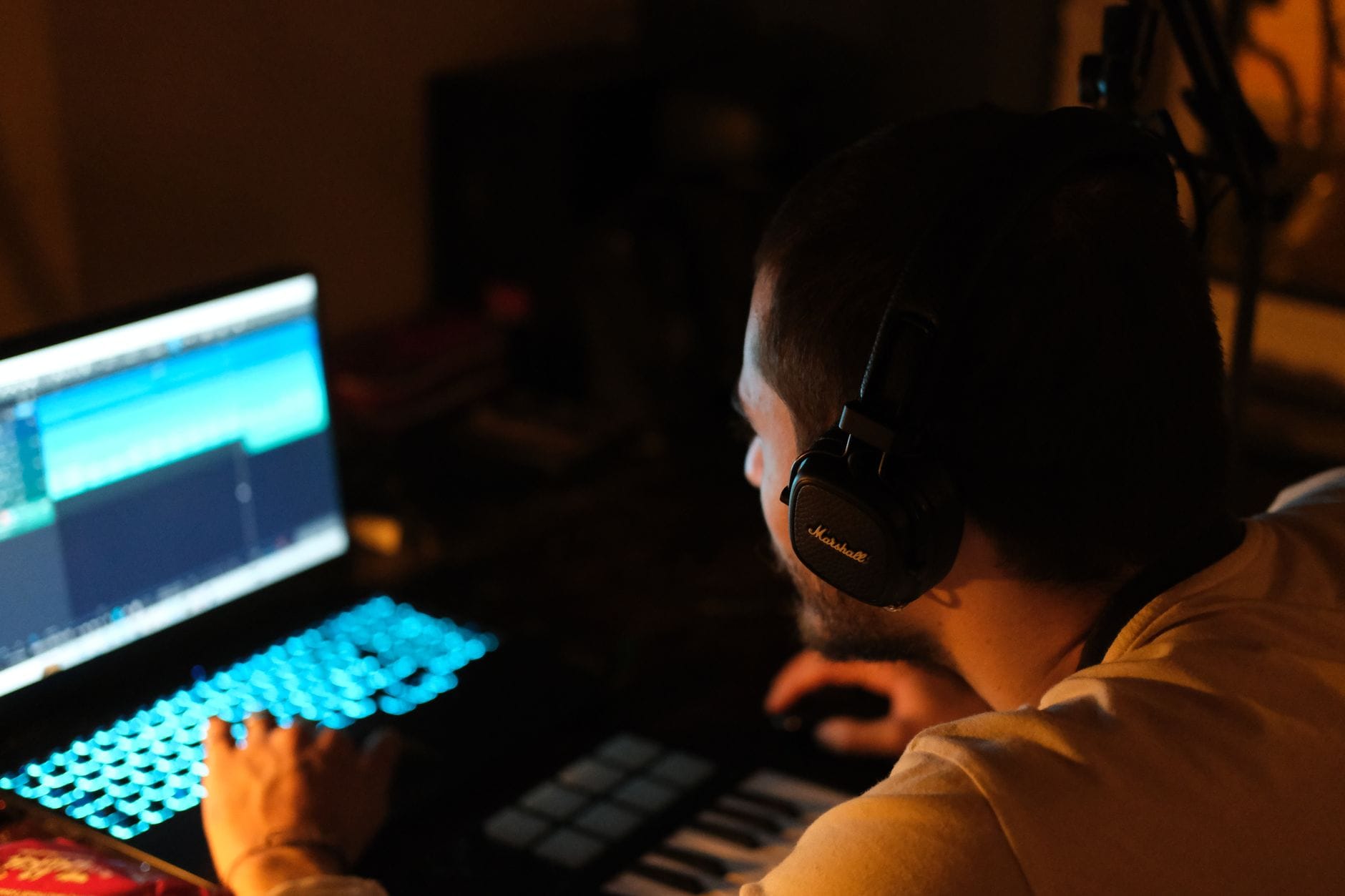
This is the hands-on build: drums, 808, vocal, the signature lead, and the dirty mix that makes phonk phonk. Most of the sections below have the actual walkthroughs from my Phonk course dropped right in, so you can watch the moves instead of just reading about them. New to the genre and want the history and the why first? Start with What Is Phonk. Otherwise, let's get into it.
Setting Up
Phonk sits around 140 BPM as a safe default (Memphis-leaning tracks run 130-150, drift phonk 140-170). Stick to a dark minor key, A minor, C minor, E minor, F minor. Set up tracks for your drums, the 808, vocal, the melodic lead, and a master bus, and you're ready to build.
Programming the 808 Drums
The 808 is the engine of this whole genre. Here's me programming the drums and the 808 from scratch in the Phonk course:
Let's program our drums. We're just gonna start with a random high hat loop. We're not gonna think too much about this, we can edit it and make it unique as we go. Grab a kick, and remember, we're looking for something short and dirty. Find a snare, more of a traditional 808 type snare. These snares go on the 3 of each bar. When I'm programming drums, I like to put a kick on every bar to start, then add more. You definitely want more kick drums than not. I like to go kind of towards the wall, towards the point where it's a little bit too much, because it's really easy to delete stuff and more of a pain to go back and add it.
If you've got a big gap at the end, program a roll: grab a hi-hat and play some really close together. The problem is it feels stagnant, like a machine gun, and nobody likes that. So automate the volume. Drop a utility on it and slope the gain up during the roll. That has a whole lot more vibe to it.
Now the 808. Pick the key for your song, say F, a classic sub. Once your kicks are programmed, put an 808 every time there's a kick drum. Here's the rule: with trap, you can have a kick drum without an 808, but you can't have an 808 without a kick drum. Pull the kick out from under an 808 and the moment is so much less impactful. The kick's top end is what gives it the vibe.
When the kick and the 808 hit together, you'll get distortion, because there's no sidechain. You need to sidechain the 808 to the kick so there's a ducking motion every time the kick hits. You can do it with utility, but the traditional way is a compressor: ratio all the way up, attack and release all the way down for that really quick shape, then sidechain the input from the kick. Pull the threshold down to the sweet spot. You don't want the 808 completely gone, but you want to make room for the kick. Now we're cooking.
Making Your Own Vocal
Traditional phonk leans on old Memphis vocal samples, which is a problem, because you can't legally drop those in your tracks. So here's the move I teach instead: record your own and mangle it until it sounds ripped off an old record.
This may feel a little cringey, but no one has to know it's you, because we're gonna process it so it doesn't even sound like your voice. Tip number one: speak lower than you traditionally would, because we're going to pitch it up, and that's an easy way to make your vocal sound unique. Don't worry too much about lyrical content, but speak rhythmically, because the vocal in this style almost plays like a hi-hat loop. Turn on the metronome, stay on beat, and freestyle something that makes sense.
Once it's recorded, warp it so it's perfectly on grid. Then process: start with a basic low cut to clean it up. Add a compressor and bring the threshold down until you have about 10 decibels of gain reduction, then put that 10 decibels into the makeup gain. That's the sweet spot for vocal processing here, right on the border of being a bit over-compressed, which is the vibe we're going for. Add a soft clipper for some digital warmth.
Here's an Ableton-specific secret: the telephone vocal. It's a band-pass filter with notches and peaks, and I've been abusing it in my production for a long time. You can push it further with OTT, turn the time up, output up to five, amount down to 50. Pitch it up, and use something like Manipulator to morph and detune it. The goal is actually to reduce the quality of the vocal, to make it sound old.
One more step to make it feel like a sample instead of something you recorded: turn it into a loop by adding drums behind it. Group the vocal with a drum loop and put the telephone filter on the whole group. As soon as you let some of that low end in, you hear the kick and it gets more pronounced. The whole point is to make it feel like you ripped it from another song, because that sampled, old-school feel is the heart of the phonk thing.
Designing the Signature Melodic Sound
That signature phonk lead, the cowbell-adjacent melodic thing, is easy to build from scratch in Serum, and rolling your own gives you control a sample never will. Here's the build:
We're gonna use Serum. Activate oscillator B and turn both to square waves, because that's how the sound is made. When you're creating a sound, it's really important to start with the oscillator style and then the way the sound moves, so that's how I approach it. Change envelope one into a plucky shape, because that's how this sound moves. I like to view the envelope as a chair from the side any time I want to make a pluck. Make it mono and boost the octaves up.
A really important part of this sound is the harmony, and we use oscillator B for that. Start with the perfect fifth, which is plus seven. The cool thing about designing this from scratch instead of using a sample is that you can automate these things: make it plus four, less traditional, but it could be really cool in a real context.
Then move to effects. Add some distortion to crunch it up. You'll see distortion affects the way the sound moves, it actually adds a tail, and we fix that with a multi-band compressor, boosting the gain in the release. Then go back into envelope one and shorten it up a little more. That's the sound. Experiment with all the different combinations of octaves and harmonies.
Mixing for Phonk
Here's where phonk flips the rules. Mixing it is about making it dirtier, not cleaner:
It's funny, because when you're a trained engineer, you spend your whole career learning to do the opposite of what I'm about to show you. Traditionally the goal is to make your sound as clean as possible. That's just not the case with phonk. Group everything together (you could also do this on your master, no real difference) and put a saturator on the group. As you saturate it, the track reduces in quality, but that's the goal. Push the drive. It gets intense.
A nice trick: take the output of the saturator and pull it down by whatever number the drive is at, so if you're at nine, put the output at minus nine. It'll sound like your 808 is blown out, which again, kind of the goal, so turn the 808 down. It's a delicate balancing act, and you start to get that crunch you hear blasting on TikTok where you go "ew, that's disgusting, and I love it."
Experiment with the different saturator algorithms, they all do something different. My suggestion: hit the wall, go too far, go to the point where it starts to sound really bad, then go back. That's a great approach to audio effects in general. Find where the wall is, where you're about to fall off the cliff and the track turns to garbage, then take a few steps back. Sometimes it's helpful to know the rules so you can break them.
Creating Atmosphere
The last layer is atmosphere, and it's what takes a phonk track from forgettable to hypnotic. Film dialogue, field recordings, beat-up vocal chops, a pad sitting way in the back, and vinyl crackle running under everything. Less is more here. These sit under the main sample and the drums, they don't fight them. You're building a world, not cramming the room.
Essential Tools
The gear I reach for:
- DAW: FL Studio or Ableton Live (stock saturation and sampling go a long way)
- Saturation: Fruity Soft Clipper, FabFilter Saturn 2 for 808 and cowbell bite
- Lo-fi character: RC-20 Retro Color for tape wobble, noise, and vinyl
- Reverb: Valhalla VintageVerb for lo-fi room ambience
- Synth: Serum or Sylenth1 for sub-bass and leads
- Samples: Splice for Memphis-style packs
Your Path Forward
Phonk rewards patience and taste. Train your ear, get the 808 aesthetic in your bones, build a processing chain you trust, and find the angle only you've got. Your first tracks are gonna sound like learning, and that's exactly how it's supposed to go.
The walkthroughs up above are pulled from my full Phonk course at Futureproof Music School. If you want the rest of it, plus live workshops and Kadence, our 24/7 AI music coach, head to futureproofmusicschool.com and start your 14-day free trial. Now go make something nasty.
Liked this? Tell Google to show you more Futureproof.
Max Pote
Marketing Director & Bass Music Mentor
Max Pote is a professional bass music producer who performs and releases under the name Protohype. He has more than a decade of releases on major bass-music labels (Firepower Records, SMOG, Never Say Die, Rottun, Deadbeats), festival appearances at EDC Las Vegas and Lost Lands, and a feature credit on Tom Morello's 2021 album The Atlas Underground Fire. He was an early Icon Collective alumnus and later returned as an instructor before co-founding Futureproof Music School. He leads marketing at Futureproof and mentors students on sound design, songwriting, and finishing tracks.
Ready to level up your production?
Join Futureproof for live mentorship, AI coaching, and a community of producers.
Start your 14-day free trial