Vibe Coding for Music Producers

Founder & CEO, Futureproof Music School
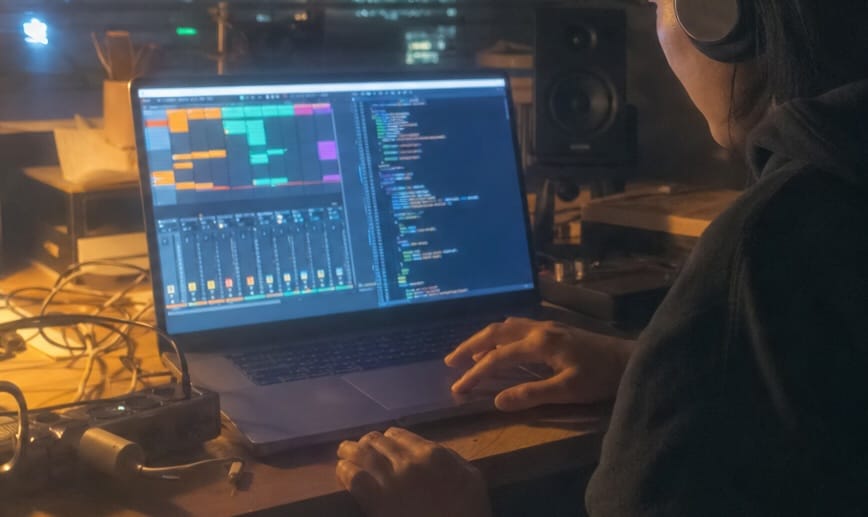
Once in a while there's a fundamental technological advance that truly changes what's possible for musicians and producers.
Multitrack recording was one. Digital sampling. Having a powerful DAW like Ableton on a laptop you can carry around with you.
Right now I think we're in the middle of another one of those moments. And almost nobody is talking about it yet.
You can actually build your own software now
You can build your own VST plugins. Your own web apps. Your own custom tools, designed for the way YOU actually work in the studio.
The sample organizer you've always wanted. A custom social media assistant. The uniquely crazy distortion plugin that sounds just the way you want. The fan email signup page that doesn't look like every other Linktree.
A year ago, if you wanted to build any of those things, it would have meant hiring a developer or spending a year or more learning to code yourself. Today, you can describe what you want in plain English and an AI builds it for you. Or more accurately, WITH you. People are calling it vibe coding.
What vibe coding actually is
Vibe coding started as a joke on X. A legendary developer and AI insider named Andrej Karpathy posted that he was doing weekend projects where he'd just accept anything the AI suggested and not even read the code. The joke soon went viral and vibe coding was born.
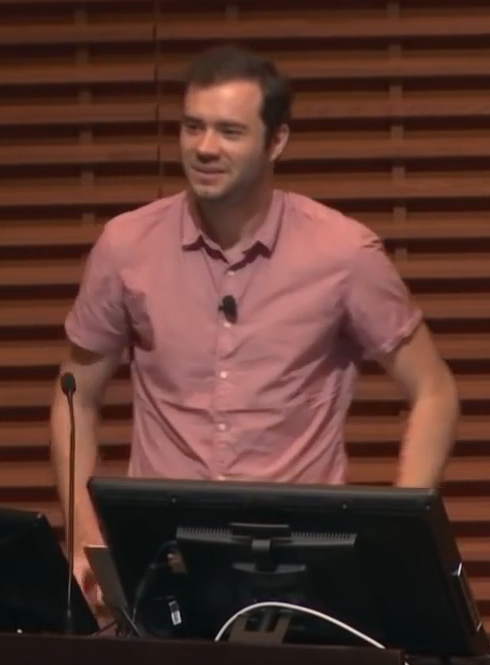
Andrej Karpathy. Photo by Gladwin Analytics, CC BY 3.0, via Wikimedia Commons.
Then a funny thing happened. This joke method quietly became the way most working developers actually build software. They've moved on to calling it agentic engineering now, but the process is the same.
The real version: you describe what you want, with as much precision and detail as possible. An AI agent reads your description, makes a build plan, writes the code, runs it, and fixes its own mistakes. You stay in the driver's seat, giving direction.
If you've ever produced a session musician, this is going to feel familiar. You don't pick up the guitar yourself. You describe the part. You listen to the take. You give notes. Same rhythm. Here the AI is the player and you're the producer.
Great skill for producers to learn
I think producers are in a particularly good position to learn vibe coding right now, for a few reasons.
The creative work is about taste, not typing code
The thing AI is worst at is taste. It can build a UI in seconds, but it can't tell you whether the UI feels right. It can wire up a synth oscillator (virtually at least), but it can't tell you whether the patch sounds good. That's your job. That's the taste and sensibility you've spent your life developing.
Vibe coding moves the work of software development from typing out code, which AI is great at, to taste and decision-making, which you are great at.
And the tools you build this way carry your fingerprint on them. Your weird obsessions. Your specific angle. They sound like you.
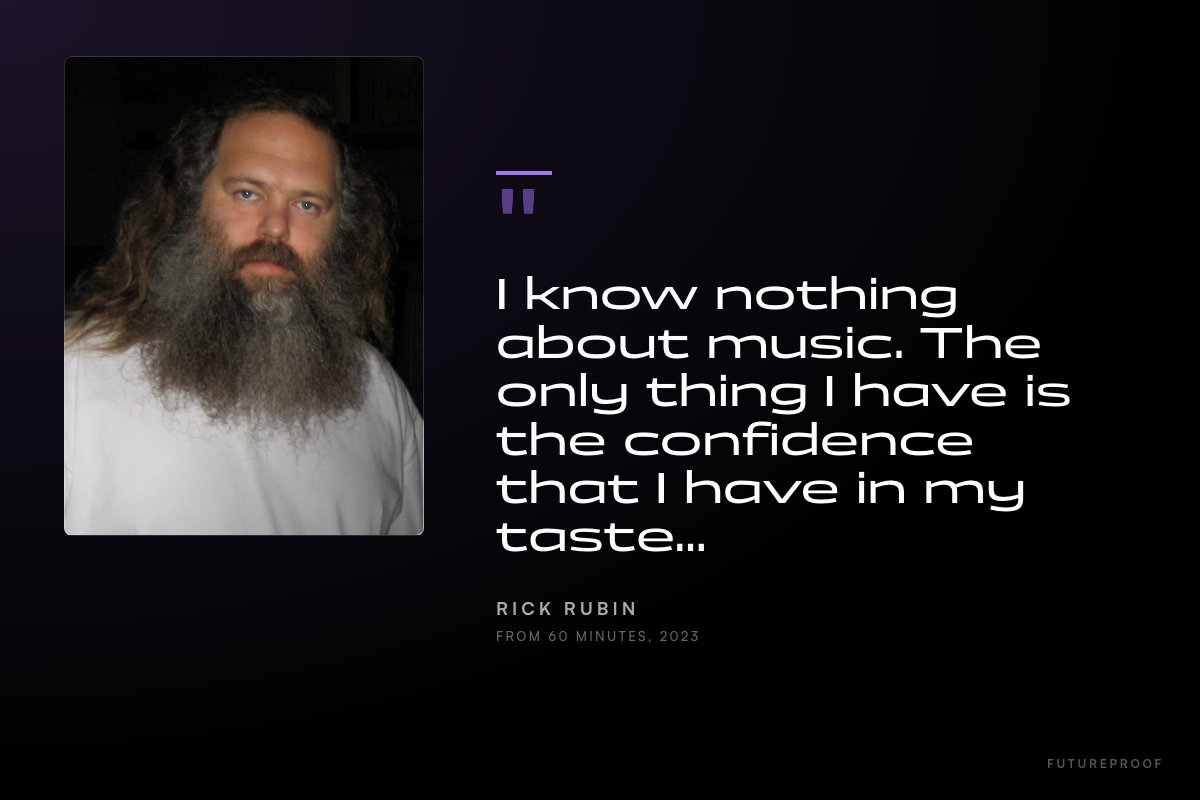
Rick Rubin photo by jasontheexploder, CC BY 3.0, via Wikimedia Commons. Quote condensed from his 60 Minutes interview, 2023.
The field is wide open
Almost no music producers are doing this yet. The first ones to ship custom plugins, DAW integrations, or fan-facing tools have a chance to explore some really interesting directions these next few years and push the envelope of what we can do with software.
You can build the things you've always wished existed, and almost nobody else in your scene is doing it.
You already work in tight feedback loops
Every track you make is a feedback loop. Play it back, hear what's wrong, adjust, play it back again. You do that thousands of times per project. Vibe coding has the same rhythm. Describe, run, listen, check, adjust. The reason most people give up on vibe coding in the first week is they don't have the patience for that loop. You've already trained it.
Your ear already does quality control
Years of listening for fine details in a mix trains a part of your brain that most people never develop: the ability to notice when something is subtly wrong. Code has the same property. There's broken (obvious) and there's just slightly off (subtle). Your instinct for "this isn't there yet" transfers directly.
You're already used to deep, weird software
Most people see a DAW for the first time and bounce within five minutes. You've spent thousands of hours inside one. A terminal window or coding agent is just another deep tool with its own lingo and conventions that you'll learn the same way you learned Ableton's signal flow, or the difference between Racks and Groups. You're not afraid of complex software with hidden depths.
What you can actually build now
The shortest way I can describe what's changed is this: things that used to be too small to justify a developer, and/or too specific to justify off-the-shelf software, are now buildable in an afternoon.
Here are a few concrete examples of what that means for working producers.
Time you get back
A sample organizer that auto-tags by key, BPM, and energy. Drop a folder in, it sorts itself. Include a batch renamer that fixes the inconsistent naming on your library in seconds. Also could have a "what's actually on this drive" search tool that understands your folder structure, which Spotlight does not.
Instruments tuned to you
A synth built around one specific weird sound you keep wishing existed. A drum machine that grooves your way: off-grid, polyrhythmic, however you actually feel time. An effect that's just your three favorite plugins chained together, with the parameters you actually touch surfaced and the ones you never touch hidden. A reverb that uses an impulse response from a room you actually care about. Anything you can describe in words can be turned into a standard AU or VST audio effect and loaded in your DAW.
Live performance
A setlist tool that knows your songs, calculates the run time, flags awkward BPM or key transitions, or even generates the patch changes for your hardware. A custom MIDI controller layout for live shows that's tuned to your specific rig.
Fan-facing tools
A landing page for a release that actually feels like the music, with audio embedded and not just a Spotify link. An email signup form that doesn't look like every other artist's Linktree. A direct-download delivery page for music you're selling outside the streaming services. AI gives you a lot more power over the distribution and presentation of your music online.
Career infrastructure
An online press kit that updates itself when you add a new song or photo, instead of a PDF you haven't updated since two years ago. A booking workflow that tracks venue conversations and follows up automatically. A stats dashboard that pulls your numbers from Spotify, Bandcamp, and YouTube into one place so you stop logging into five different services every Monday.
You don't have to build all of these. You probably won't build most of them. The point is that any one of these, the one that would actually save you the most time, is now a weekend project. That's the shift.
The right way vs the wrong way
Just like with anything, though, there's a right way to do this and a wrong way.
The wrong way is the meme version of vibe coding. Just type a vague request, accept whatever the AI spits out, never test it, paste errors back to the AI to fix without reading them, push everything to GitHub including your API keys.
The result is a lot of half-working code, leaked passwords, and broken projects. People work that way for a week, give up, and decide that AI doesn't really work for them.
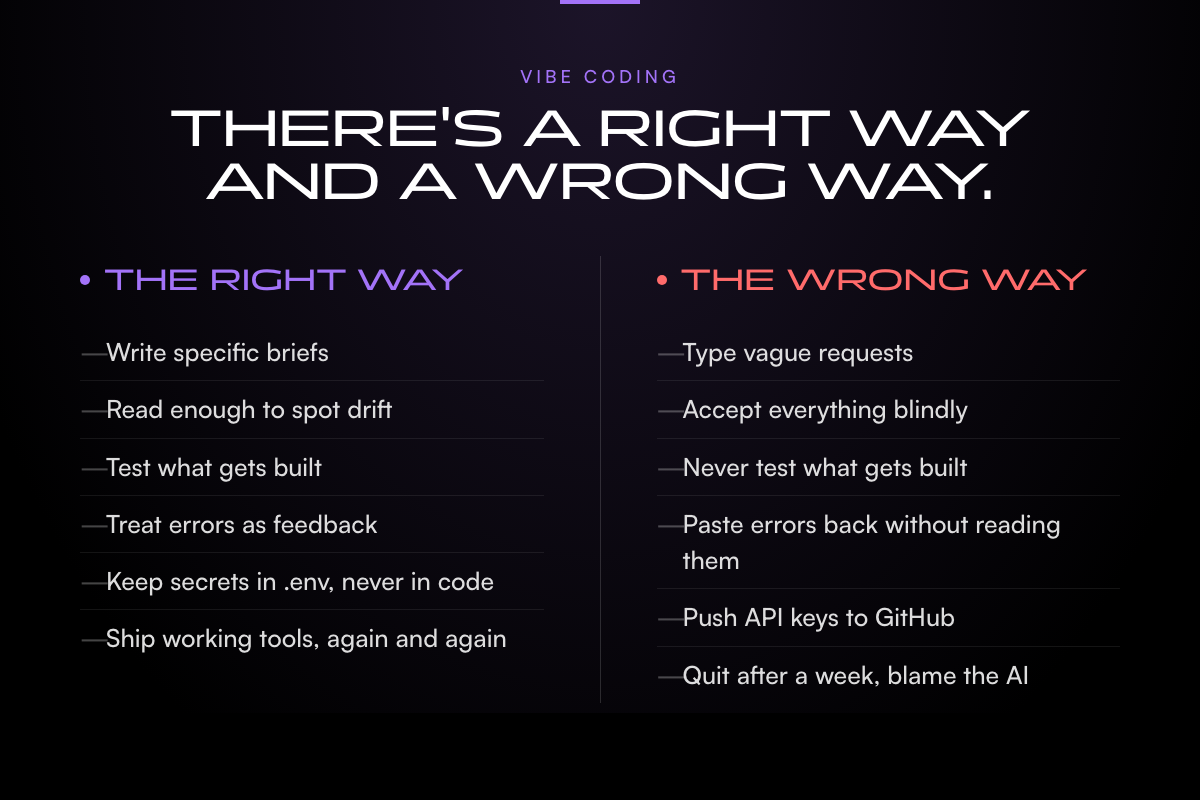
The right way is more like a craft. Be specific about what you want. Test what gets built. Follow along and read what the agent is doing enough to know when it's gone off the rails and headed in the wrong direction. I frequently correct my coding agents when I see they're going in circles or trying a solution I already know won't work.
Treat the AI like a session player you're producing, not a magic wand. The producers who get great results are the ones who bring real direction and real taste to the conversation.
In short, vibe coding isn't an area requiring "no skill." It's a different type of skill, and a very important one to learn if you want to build things that actually work and don't leak credentials.
How to think about it going forward
I think learning to build your own software tools is going to be an incredibly useful skill for producers to have going forward and here's why.
The reality of being a working music producer right now is that you're doing the job of about ten different people. You're the artist, obviously. You're also the audio engineer, the mixing and mastering person, the art director, the social media manager, the email marketer, the short-form video editor, the merch designer, the booking agent, the accountant, and your own IT department. The big label model used to handle most of that for you. For most working producers right now, that's not how it works anymore. You do it all yourself.
A lot of producers I know are quietly burning out trying to keep all those balls in the air. The actual job of creating music, which is the thing you got into this for, ends up being the smallest slice of your week. That's backwards. And it's a big part of the reason so many promising people give up after a couple of years.
This is where vibe coding starts to matter as something more than a cool toy. The small custom tools you can build for yourself in an afternoon are the ones that take a lot of that admin drudgery off your plate: the self-updating press kit, the one-place stats dashboard, a release planner that lives somewhere other than three spreadsheets, a Notes app, and a private Discord channel.
None of those are exciting in isolation. But together, they buy back hours every week. Hours that go back into the studio, where they belonged in the first place. That's the move.
If you want one thing to try this week, here it is. Pick one tool you wish existed in your workflow. Just one. Write a single paragraph describing what it does. Then open Codex or Cursor or Claude Code (whichever you have access to) and paste in the paragraph. See what happens. That's the entire entry point. Everything else is repeating that loop.
What comes after vibe coding: agentic engineering
The other thing worth knowing about is what comes after the vibe coding phase. The producers who keep at it for more than a few weekends usually end up doing something the industry has started calling agentic engineering.
The shift is mostly about discipline. Same loop, more rigor. You start writing things down. Spec files. Plans the agent reads before it touches code. Tests it runs against itself. Rules about what it can change without checking with you first. You stop treating the AI like a magic wand and start treating it like a session player you've worked with for a year, one that already knows your conventions.
Karpathy has a video on the progression. The serious developer crowd is having the same conversation in every corner of the internet right now. Almost nobody is having it about music. I'll get into the music-specific version in a future post in this series.
This is the first post in a series
This is the first piece in what I'm planning as an ongoing series on vibe coding for music producers. Topics I'm planning to cover in upcoming posts:
- Which AI coding tools to actually use, and what each one is good at
- How to set up your machine to do this kind of work without losing a weekend to installation
- What a "repo" is, what GitHub does, and how to keep your API keys out of trouble
- Building a real VST plugin from a starter repo, step by step
- A repeatable process for taking any app idea from a one-sentence brief to a shipped tool
- DAW automation through AI agents (still kind of wild, honestly)
- What Rick Rubin can teach us about vibe coding and producer taste
- Vibe coding to agentic engineering: what comes next for producer-built software
If any of those sound useful, the easiest way to catch them as they go up is the Futureproof Music School newsletter or the trial membership. Both are free.
If you want to go deeper on this
This kind of thing is what we work on at Futureproof Music School. The membership gets you live workshops every week with working producers, our full course library covering production, mixing, sound design, and now vibe coding for music, and 24/7 access to Kadence, our AI music coach trained on the actual tools you're using.
If you'd like to try it, head to futureproofmusicschool.com and start your 14-day free trial.
Frequently asked questions
What is vibe coding for music producers?
Is this the same as AI music generation tools like Suno?
Do I need to know how to code to start?
Which vibe coding tool should I start with?
How long does it actually take to build something useful?
Is vibe coding going to replace real developers?
John von Seggern
Founder & CEO, Futureproof Music School
John von Seggern is the founder and CEO of Futureproof Music School. He holds an MA in digital ethnomusicology (the anthropology of music on the internet) from UC Riverside, and a BA in Music, magna cum laude, from Carleton College. A techno producer and DJ since the late 1990s, he released as John von on his own net.label Xeriscape Records while working at Native Instruments, where he co-authored the MASSIVE synth manual. He contributed sound design to Pixar's WALL-E (2008), was a member of Jon Hassell's late-career Studio Group on Hassell's final two albums, ran Icon Collective's online program with Max Pote for eight years before Icon closed in May 2025, and authored three books on music technology including Laptop Music Power!. He architected Kadence, the AI music coach at the core of Futureproof.
Want more Futureproof in your Google results?
Ready to level up your production?
Join Futureproof for live mentorship, AI coaching, and a community of producers.
Start your 14-day free trial